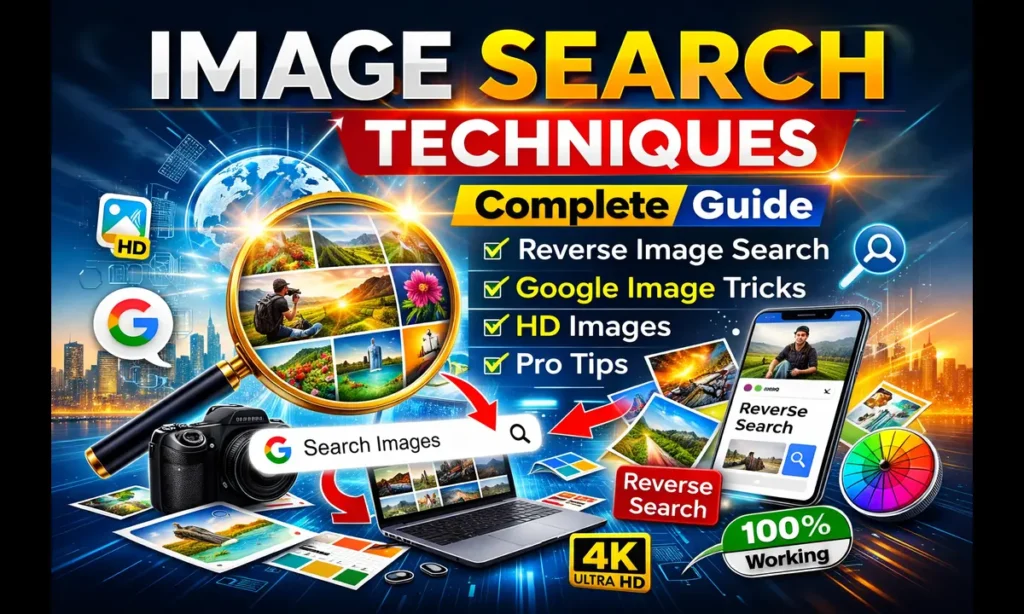
Image Search Techniques: Complete Guide to Finding Images Faster and Smarter
In today’s digital world, images play a powerful role in communication, marketing, education, and content creation. Whether you are a blogger, student, designer, journalist, or social media user, knowing the right image search techniques can save time and help you find exactly what you need.
Most users simply type a keyword into Google Images and scroll endlessly. However, professionals use smart techniques that help them find accurate and high-quality images within seconds.
What Are Image Search Techniques?
Image search techniques are methods or strategies used to find images efficiently using search engines like Google, Bing, or visual search tools.
- Find high-resolution images
- Locate original image sources
- Discover similar images
- Check copyright permissions
- Verify fake or edited images
Why Image Search Techniques Are Important
- Faster image discovery
- Better search accuracy
- Avoid copyright issues
- Useful for SEO and blogging
- Improves research quality
1. Keyword-Based Image Search
Use descriptive keywords instead of generic words.
Example:
- Wrong: car
- Correct: red sports car 4K wallpaper
The more specific your keyword, the better results you will get.
2. Using Google Image Filters
After searching on Google Images, click the Tools option and filter images by:
- Size
- Color
- Type
- Time
- Usage Rights
This technique is extremely useful for bloggers and website owners.
3. Reverse Image Search Technique
Reverse image search allows you to upload an image instead of typing text.
- Find original image source
- Detect fake images
- Locate higher-quality versions
- Check image plagiarism
Steps:
- Open Google Images
- Click the camera icon
- Upload image or paste URL
4. Search Using Image File Type
You can search specific formats using Google operators.
Examples:
- image search techniques filetype:png
- nature wallpaper filetype:jpg
5. Finding HD Images by Size
Use keywords like HD, 4K, or High Resolution or select “Large Size” from filters to get better-quality images.
6. Exact Match Search Using Quotes
Use quotation marks for exact keyword matching.
Example: “image search techniques”
7. Copyright-Free Image Search
To avoid legal issues:
- Go to Tools → Usage Rights
- Select Creative Commons licenses
This ensures images are safe for blog or website usage.
8. Visual Search Using Mobile Camera
Modern smartphones allow visual searches using tools like Google Lens.
- Point camera at object
- Instantly find similar images
- Identify products or places
9. Advanced Google Search Operators
Advanced users combine operators for precise results:
- site:example.com image search techniques
- intitle:image search techniques images
10. Image Search Techniques for SEO
- Use original images
- Add ALT text with keywords
- Rename image files properly
- Compress images for fast loading
Example:
Wrong: IMG_1234.jpg
Correct: image-search-techniques-guide.jpg
Common Image Search Mistakes
- Using broad keywords
- Ignoring copyright rules
- Downloading low-quality images
- Not checking image source
Best Tools for Image Search
- Google Images
- Google Lens
- Bing Image Search
- TinEye Reverse Search
- Pinterest Visual Search
Future of Image Search (AI Era)
Artificial Intelligence is transforming image search. Modern search engines understand objects, faces, and visual context, allowing users to search using images instead of text.
Learning image search techniques helps users find accurate and high-quality images quickly. Whether you are a blogger, student, or digital marketer, mastering these techniques improves productivity and content quality.